- Call / Whatsapp : +92 300 8467101
- PKR - Pakistan

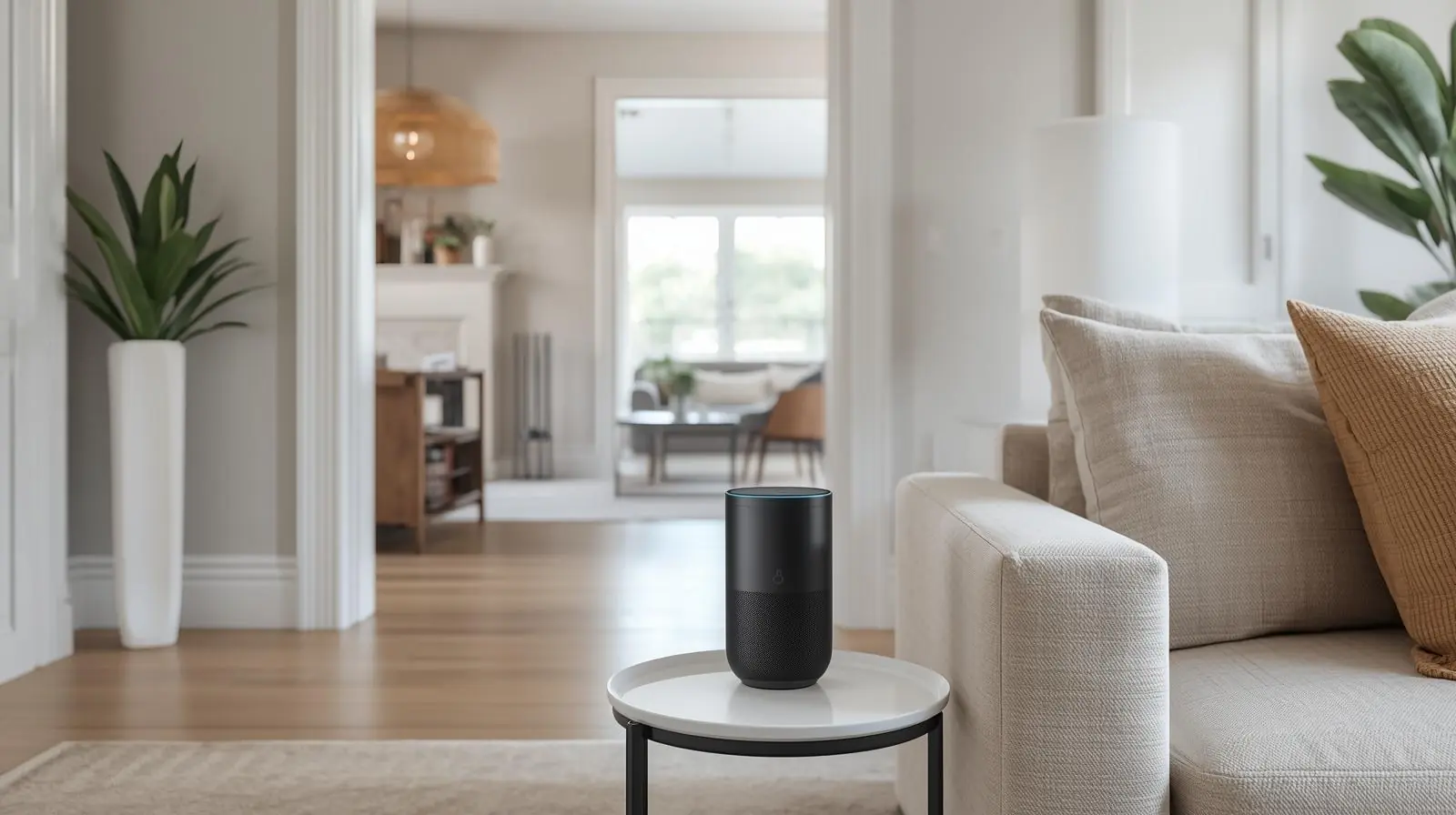
The way we listen to music at home has changed dramatically in the past decade. Streaming services, wireless speakers, and smart home technology have created an entirely new audio experience. Among these innovations, voice controlled multi room audio systems are leading the charge. With just a simple voice command, users can play their favorite playlists in the kitchen, adjust the volume in the living room, or sync music throughout the entire house.
This blend of convenience and high-quality sound is no longer reserved for tech enthusiasts. Today, anyone can create a connected home audio setup that responds instantly to spoken commands. In this blog, we will explore how voice control and multi room audio work, why they matter, and how you can set up the perfect smart sound system in your home.
Voice controlled multi room audio combines smart speaker technology with wireless audio systems. Instead of managing everything with an app, you can simply speak commands like “Play jazz in the living room” or “Turn down the volume in the bedroom.”

This technology relies on:
Smart assistants such as Amazon Alexa, Google Assistant, or Apple Siri
Wireless speakers or soundbars that connect via Wi-Fi
Streaming platforms like Spotify, Apple Music, or Amazon Music
Together, these elements create a seamless and hands-free audio experience that covers your entire home.
One of the greatest advantages is ease of use. There is no need to pick up your phone or find a remote. With voice commands, you can control music playback instantly.
You can set different zones for different rooms. For example:
Play upbeat playlists in the kitchen while cooking
Stream calming ambient sounds in the bedroom for relaxation
Sync the entire house for a party mode
Voice controlled audio systems integrate well with other smart devices. You can:
Pair with smart lighting to set the mood
Link with smart TVs for home theater setups
Automate morning routines with music, news, and weather updates
For households with kids, busy parents, or individuals with mobility challenges, hands free control adds both comfort and accessibility.

Understanding the setup helps users get the most out of their system. Multi room audio typically works through a Wi-Fi network rather than Bluetooth. This allows for higher sound quality and uninterrupted streaming.

Smart Speakers or Hubs: Devices like Amazon Echo, Google Nest Audio, or Apple HomePod.
Wireless Audio Protocols: Most systems use Wi-Fi, but some also rely on proprietary systems like SonosNet.
Audio Zones: Each speaker is assigned to a zone such as bedroom, living room, or patio.
Voice Assistant: Alexa, Google Assistant, or Siri interprets spoken commands and controls playback.
Amazon’s Echo speakers provide one of the most popular solutions. Alexa’s extensive voice command library makes managing playlists, rooms, and routines easy.
For those who rely heavily on Google services, Nest speakers integrate seamlessly with Chromecast and YouTube Music.
Apple users can enjoy a premium experience with the HomePod. Siri integrates with Apple Music and works flawlessly with other Apple devices.
Sonos is a leader in multi room audio. It works with both Alexa and Google Assistant, giving users flexibility while delivering exceptional sound quality.

Decide whether you prefer Alexa, Google Assistant, or Siri. This choice often depends on the devices you already own.
Position speakers in rooms where you want audio zones. Ensure they are within Wi-Fi range for reliable connectivity.
Most apps allow you to group speakers by room or zone. For example, you might create a “downstairs” group that includes your kitchen and living room.
Link your preferred streaming apps such as Spotify, Apple Music, or Amazon Music for instant voice playback.

Once everything is set, start experimenting with voice prompts like:
“Play my workout playlist in the garage”
“Turn down the volume in the bedroom”
“Play the same music everywhere”
Ensure a strong Wi-Fi connection: A mesh Wi-Fi system may be necessary for larger homes.
Balance speaker placement: Avoid corners or tight spaces that distort sound.
Use routines: Automate music to play at certain times, such as morning wake-ups or evening wind downs.
Update firmware: Keep devices updated for improved performance and new features.
Experiment with sound modes: Many systems offer EQ settings to tailor audio quality.

The technology is moving beyond simple playback. AI-powered assistants are learning user preferences, recommending playlists, and even adjusting sound profiles automatically. With the rise of smart home integration, we can expect tighter connections between audio systems, lighting, and home automation.
In addition, as spatial audio and immersive sound formats become mainstream, multi room systems will offer even richer and more dynamic listening experiences.
Voice controlled multi room audio is transforming how we enjoy music at home. It combines the freedom of wireless technology with the simplicity of voice commands, creating an experience that is both convenient and powerful. Whether you are entertaining guests, relaxing after work, or simply moving from room to room, your music follows seamlessly.
If you are considering upgrading your home audio setup, start with a voice controlled multi room system. It is the most future ready way to enjoy smart sound.

Ready to transform your home listening experience? Explore smart speakers and multi room audio systems today, and discover the convenience of voice controlled sound.
We are proud of the quality of service we provide for all orders and questions from customers. Our customer care team's combined experience and skills, together with our wide choice of products and quick order fulfilment, have helped us establish a solid reputation for providing excellent customer support & service.
Any Query Related Sales
09:00AM to 06:00PM
We welcome comments and feedback about how easy you find the Media K Solutions website to use, which can be communicated by clicking on the Contact Page. If you have questions about delivery, products, service or anything else for that matter, please contact us via live-chat, during office hours, email or telephone. Thanks

 en-gb
en-gb Germany