
 en-gb
en-gb Germany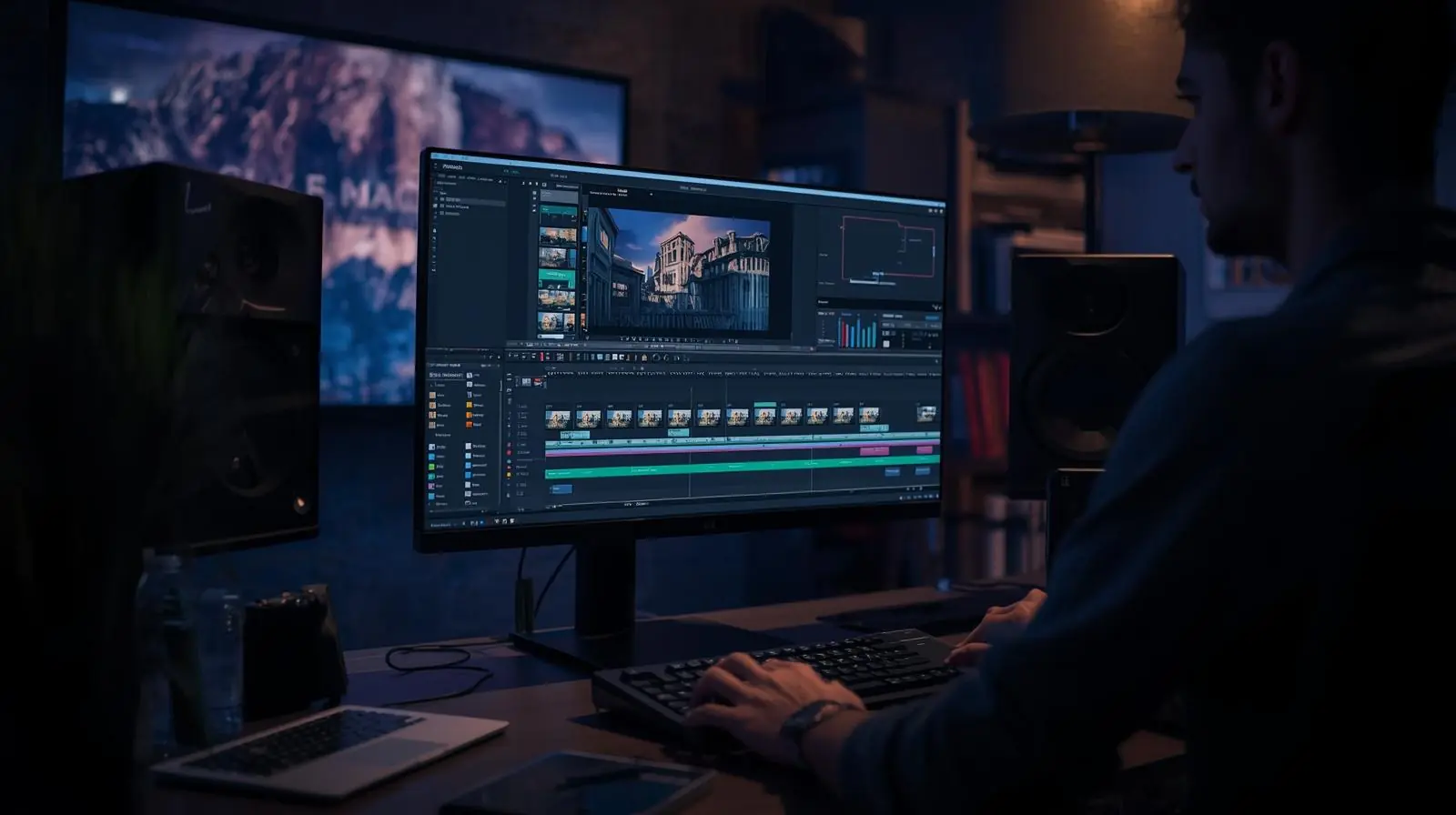
In today’s digital landscape, video has become the most powerful form of communication. From social media influencers and YouTubers to businesses and filmmakers, everyone relies on video to share their message. However, creating high-quality videos isn’t just about having a camera, it’s about how effectively you can edit and polish your footage. That’s where video editing software comes in.
Video editing software enables creators to transform raw footage into engaging visual stories. It helps cut, combine, and enhance clips, adjust sound and color, and add transitions, graphics, and special effects. With the right tool, anyone, from beginners to professionals, can create cinematic videos that capture attention and drive engagement.
Below, we’ll explore what makes good video editing software, highlight some of the best options available in 2025, and share key tips for choosing the right one for your needs.
Why Video Editing Software Matters
Video editing software is the bridge between your vision and your finished product. It gives you creative control over pacing, visuals, and storytelling. Without strong editing tools, even the best footage can feel flat or unpolished.

Here’s what a solid video editor allows you to do:
-
Trim, merge, and rearrange video clips with precision
-
Add professional transitions and visual effects
-
Correct lighting and color tones for a cinematic look
-
Sync audio, add music, or clean up background noise
-
Overlay text, titles, or animations
-
Export your project in multiple formats for web, mobile, or broadcast
Whether you’re producing short social media reels or long-form documentaries, the right editing software helps you maintain both creativity and efficiency.
Key Features to Look For
Not all video editing programs are built the same. When choosing software, focus on features that align with your skill level, workflow, and goals.
1. Timeline and Non-linear Editing
A non-linear editing system lets you move clips freely on a timeline without affecting the original files. This flexibility is crucial for creativity and experimentation.
2. Transitions and Effects
Professional editors offer hundreds of customizable transitions, filters, and effects to enhance your footage. Look for software that supports third-party plugins for more creative control.
3. Color Correction and Grading
Color tools allow you to adjust exposure, brightness, contrast, and saturation. Advanced color grading can set the mood and make your videos stand out.
4. Audio Editing Tools
Good video editing software includes built-in audio controls. You should be able to equalize sound, remove noise, and mix multiple audio tracks seamlessly.
5. Export Options and File Formats
Support for modern codecs like H.264, H.265, and ProRes ensures your videos look sharp across devices. The software should also allow exporting for YouTube, Instagram, or 4K TVs.
6. Performance and Hardware Optimization
Choose a program that supports GPU acceleration and proxy workflows to handle 4K and 8K footage smoothly.
7. User Interface and Learning Curve
If you’re new to editing, pick a tool with an intuitive layout and strong tutorial support. Professionals may prefer customizable workspaces and advanced shortcuts.
8. Collaboration Features
For teams, software that supports shared projects, cloud syncing, or version control can make the process far more efficient.

Best Video Editing Software in 2025
There are dozens of video editors on the market, but a few consistently stand out. Here’s an overview of top-rated options for different needs and budgets.
DaVinci Resolve
DaVinci Resolve is known for combining professional-grade color correction, editing, audio post-production, and visual effects in a single platform. It offers a powerful free version, making it ideal for both beginners and professionals. The paid Studio edition adds advanced tools and enhanced performance.
Pros:
-
All-in-one editing, color, and audio suite
-
Excellent free version
-
Industry-standard color grading
Cons:
-
Requires a high-performance computer
-
Slightly complex for beginners
Adobe Premiere Pro
A long-time industry favorite, Adobe Premiere Pro remains the go-to for professionals in film, TV, and digital content. It integrates seamlessly with other Adobe Creative Cloud apps like After Effects and Photoshop.
Pros:
-
Constant updates and AI-powered tools
-
Deep integration with Adobe ecosystem
-
Highly customizable interface
Cons:
-
Subscription model can be expensive
-
Steeper learning curve for beginners
Final Cut Pro
Exclusively available for macOS, Final Cut Pro is a powerful and optimized editor used widely by YouTubers and filmmakers alike. Its magnetic timeline and performance optimization make editing fast and fluid.
Pros:
-
Exceptional rendering speed
-
Optimized for Apple hardware
-
Easy-to-use interface
Cons:
-
Not available for Windows
-
Limited third-party plugin variety compared to Adobe
Filmora
Filmora strikes a balance between simplicity and power. It’s beginner-friendly and packed with creative effects, templates, and AI features like automatic scene detection and voice enhancement.
Pros:
-
Simple interface ideal for beginners
-
AI-driven features and templates
-
Affordable pricing
Cons:
-
Lacks professional-level control
-
Watermark in free version
VSDC Free Video Editor
VSDC is a great free option for Windows users. Despite being lightweight, it offers advanced tools such as motion tracking, visual effects, and support for 4K resolution.
Pros:
-
Free and feature-rich
-
Low system requirements
Cons:
-
Interface feels dated
-
No macOS support
OpenShot
An open-source editor perfect for those just starting out. It’s simple, free, and cross-platform, making it ideal for hobbyists and educators.
Pros:
-
Free and open-source
-
Easy to use
Cons:
-
Basic compared to paid tools
-
Can lag with large projects

How to Choose the Right Software
The best video editor depends on what you want to achieve. Here are a few points to consider before deciding:
-
Budget: Decide whether you prefer a free editor or are willing to invest in a premium subscription.
-
Operating System: Not all software runs on every platform. Final Cut Pro is Mac-only, while VSDC is Windows-only.
-
Type of Project: Short social clips need fewer features than full-length documentaries.
-
Learning Curve: Beginners should start with user-friendly tools like Filmora or OpenShot.
-
Hardware: High-resolution editing requires good RAM, a dedicated GPU, and fast storage.
-
Collaboration Needs: Teams should choose software with cloud syncing or shared project features.
Testing trial versions is the best way to find your perfect match. Most programs offer free trials that let you explore the interface and features before purchasing.

Optimizing Video Content for SEO
Choosing the right video editing software isn’t just about visuals, it also affects your content’s discoverability. Optimized videos rank higher on search engines and attract more viewers.
Here’s how to make your videos SEO-friendly:
-
Use relevant keywords in video titles, descriptions, and file names.
-
Add captions and transcripts to improve accessibility and keyword indexing.
-
Export in formats that load quickly on websites.
-
Create eye-catching thumbnails and concise, keyword-rich descriptions.
-
Update old videos with new metadata or improved edits to maintain SEO value.
Your editing software should make it easy to add metadata and export in web-friendly formats without compromising quality.
Video Editing Workflow Tips
Once you’ve chosen your software, optimizing your editing process can save hours of time.
-
Organize your files: Create folders for footage, music, graphics, and exports.
-
Use proxies: Editing lower-resolution versions of your clips helps prevent lag.
-
Master keyboard shortcuts: They speed up repetitive tasks significantly.
-
Edit audio early: Clean and balance your audio before fine-tuning visuals.
-
Render previews: Always preview heavy effects before exporting the final video.
-
Backup your projects: Regularly save your progress and use external drives or cloud storage.
Consistency in workflow helps you stay creative without technical roadblocks.
Common Mistakes to Avoid
Even experienced editors make avoidable mistakes. Watch out for:
-
Overusing effects that distract from your story
-
Ignoring audio quality
-
Forgetting to back up projects
-
Exporting at unnecessarily high bitrates or resolutions
-
Neglecting SEO details like titles and captions
A disciplined approach to editing ensures your videos not only look great but also perform well online.
Conclusion
Video editing software is the foundation of every successful video production. Whether you’re a casual creator or a professional filmmaker, your choice of software determines how efficiently you can tell your story and how good your final product looks.

Focus on finding a tool that fits your goals, skill level, and hardware. Start simple, learn the basics, and grow into more advanced features as your confidence builds.
If you’re ready to take your video content to the next level, invest time in mastering one of the top editors like DaVinci Resolve, Premiere Pro, or Final Cut Pro. With the right software and a well-organized workflow, you can turn every idea into a captivating visual experience.