- Call / Whatsapp : +92 300 8467101
- PKR - Pakistan

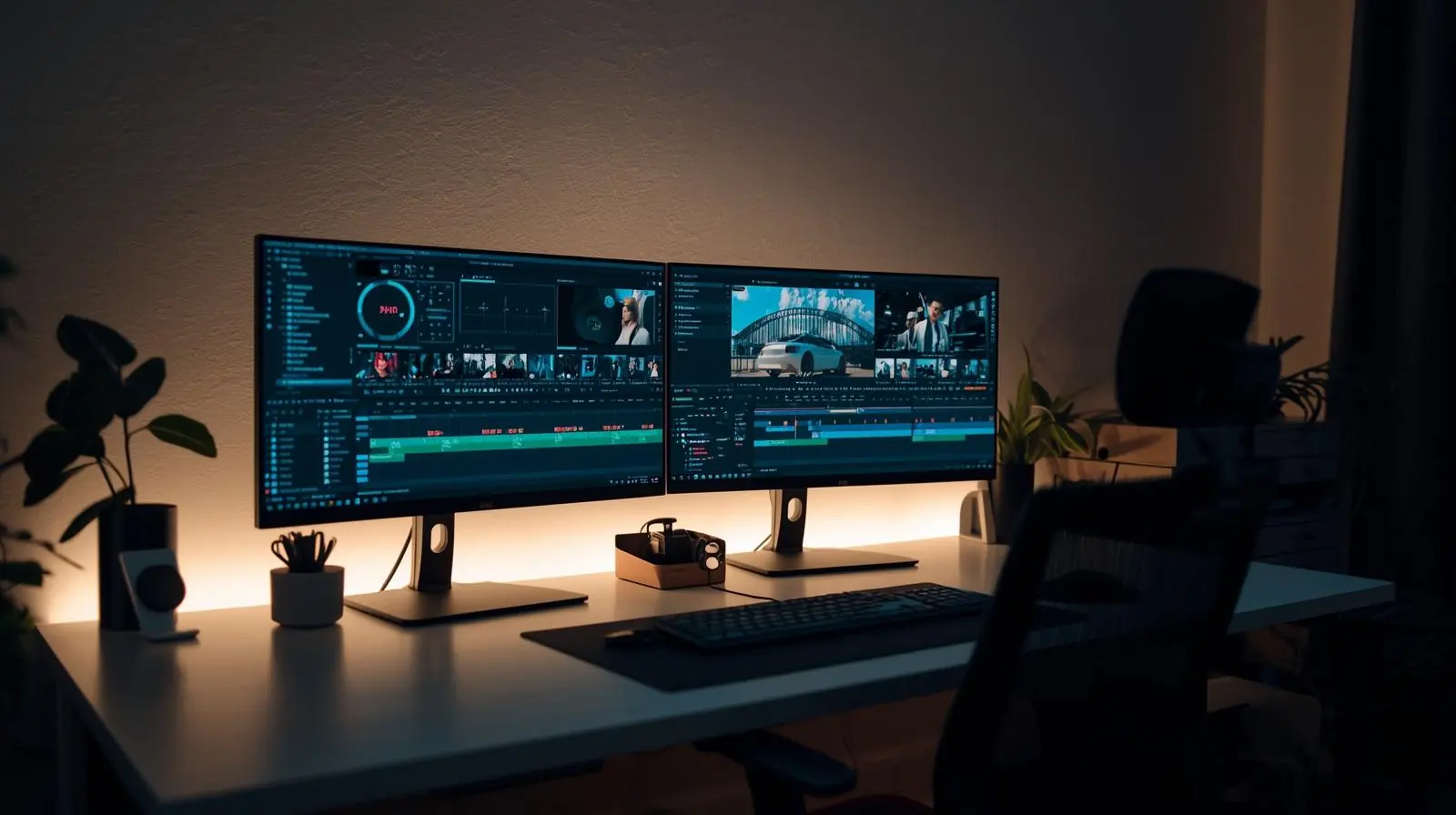
In today’s fast-paced digital landscape, professional editing software has become essential for content creators, marketers, filmmakers, and businesses. Whether you’re producing a high-budget commercial, crafting engaging YouTube videos, or refining brand visuals, the quality of your editing can define the success of your content.
The right tools help streamline the creative process, enhance productivity, and deliver visually stunning results that captivate audiences. But with so many options available, each with unique strengths, it’s vital to understand what makes professional editing software stand out and how to choose the best one for your needs.
This comprehensive guide explores the top professional editing tools, their key features, advantages, and how they can elevate your creative workflow.
Professional editing software refers to advanced digital tools used for manipulating, enhancing, and producing visual or audio content. Unlike basic or entry-level editors, these tools offer precise control, superior quality, and scalability for large projects.

They cater to a range of creative industries including film production, social media content creation, corporate branding, and digital marketing.
Video and Audio Editing – Cutting, trimming, and syncing footage with precision.
Color Correction and Grading – Enhancing visual tone and mood with color tools.
Special Effects and Motion Graphics – Adding animations, transitions, and visual flair.
Multicam and 3D Editing – Advanced features for film and high-end productions.
Collaboration Tools – Enabling teams to work seamlessly across different environments.
These features help professionals create polished, engaging content that reflects brand identity and creative vision.
Choosing professional-grade editing software can make all the difference between amateur and studio-quality results. Here’s why professionals across industries rely on these tools:
Precision and Control: Fine-tune every frame, transition, or effect.
Efficiency: Advanced automation and rendering tools save valuable time.
Integration: Works seamlessly with other creative suites and digital platforms.
Scalability: Handles high-resolution formats like 4K, 8K, and HDR.
Creative Freedom: Offers endless customization with plugins, effects, and templates.

From corporate videos to cinematic storytelling, these programs empower creators to achieve professional-grade output that resonates with audiences.
Let’s explore the most powerful and widely used professional video editing software dominating the creative industry today.
Adobe Premiere Pro remains the industry standard for professional video editing. Known for its versatility and integration with the Adobe Creative Cloud ecosystem, it caters to filmmakers, video editors, and social media creators.
Nonlinear editing interface for intuitive workflow
Seamless integration with After Effects, Photoshop, and Audition
AI-powered features like Auto Reframe and Scene Edit Detection
Extensive plugin and preset library
Support for virtually all media formats
Premiere Pro’s balance of power, flexibility, and collaboration tools makes it ideal for large productions and creative agencies. It’s widely used in Hollywood, advertising, and content marketing.
Apple’s Final Cut Pro is a powerhouse designed for macOS users who demand speed and precision. Known for its Magnetic Timeline and smooth rendering performance, it offers a streamlined editing experience without sacrificing professional control.
Magnetic Timeline for faster, intuitive editing
Advanced color grading and HDR support
360° video and 3D title editing capabilities
Machine learning for smart noise reduction and shot detection
Optimized for Apple Silicon (M-series) chips
Final Cut Pro is perfect for Mac users seeking a fast, efficient, and visually driven editing experience. It’s favored by YouTubers, filmmakers, and creative studios who value high-quality results with minimal lag.
DaVinci Resolve is renowned for its color grading and post-production excellence. It combines editing, color correction, visual effects, and audio post-production into one powerful platform.
Industry-leading color grading tools
Fairlight audio suite for professional sound mixing
Fusion visual effects and motion graphics
Collaborative multi-user workflows
Support for 8K and HDR projects
Resolve is a one-stop solution for film professionals who need complete control from start to finish. Its free version offers remarkable capabilities, while the Studio edition adds advanced features for commercial use.
A trusted name in professional film and broadcast production, Avid Media Composer is built for large-scale, collaborative environments.
Industry-grade timeline and bin organization
Real-time collaboration for editing teams
Precision trimming and multicam editing
Advanced media management for large projects
Seamless integration with Pro Tools for audio
Used in Hollywood and television studios worldwide, Avid Media Composer is the go-to tool for editors working on complex narratives and long-form content.
VEGAS Pro (formerly Sony VEGAS) offers professional editing and compositing capabilities with a user-friendly interface. It’s popular among independent creators and professionals who need flexibility and affordability.
Real-time video stabilization and motion tracking
Advanced audio editing with built-in effects
AI-driven features for upscaling and noise reduction
HDR color support
Integration with third-party plugins
VEGAS Pro provides powerful tools without the steep learning curve of other high-end software. It’s ideal for YouTubers, educators, and freelancers producing commercial-quality content.

While general-purpose editors dominate the market, several specialized tools cater to specific needs within the creative process.
Used extensively for animation, compositing, and visual storytelling, After Effects complements tools like Premiere Pro by adding motion graphics, titles, and dynamic transitions.
Professional editors often pair video tools with audio editing software for flawless sound design. Logic Pro (Mac) and Audition (cross-platform) offer mixing, mastering, and sound restoration capabilities.
Blender has evolved into a robust open-source tool for 3D animation, modeling, and compositing, often integrated into editing pipelines for complex visual effects.

Selecting the best professional editing software depends on your workflow, hardware, and production goals. Here’s a quick breakdown to guide your decision:
| Use Case | Recommended Software |
|---|---|
| Film and TV Production | Avid Media Composer, DaVinci Resolve |
| YouTube and Social Media | Premiere Pro, Final Cut Pro, VEGAS Pro |
| Motion Graphics & VFX | After Effects, Blender |
| Corporate and Marketing Videos | Premiere Pro, Final Cut Pro |
| Audio Post-Production | Adobe Audition, Logic Pro |
System Compatibility: Ensure your software runs efficiently on your hardware.
Budget: Subscription vs. one-time license. choose based on long-term value.
Collaboration Needs: For teams, cloud-based or multi-user support is crucial.
Learning Curve: Some programs are more intuitive, while others require training.
Output Quality: Consider your target formats (social media, film, broadcast).
By evaluating these factors, you can invest in a solution that maximizes both creativity and efficiency.
The landscape of video and photo editing software is evolving rapidly with artificial intelligence, automation, and cloud integration leading the way. Features like AI-powered editing assistants, automated color matching, and real-time collaboration tools are redefining post-production workflows.

Cloud-based editing platforms are making remote teamwork more accessible, while machine learning helps automate repetitive tasks, allowing editors to focus on creativity. Expect future software to deliver smarter, faster, and more connected editing experiences.
In the competitive digital world, high-quality content is no longer optional, it’s essential. Investing in professional editing software can dramatically improve the efficiency, consistency, and impact of your creative output.
Whether you’re a filmmaker perfecting cinematic color grading, a marketer producing brand videos, or a YouTuber growing your channel, the right editing tools can transform your vision into reality.
Explore your options, experiment with free trials, and find the software that complements your creative style. The right platform will not only enhance your technical workflow but also amplify your storytelling power.
Ready to elevate your editing game? Start with one of the top professional editing software solutions and create content that captivates, converts, and inspires.
We are proud of the quality of service we provide for all orders and questions from customers. Our customer care team's combined experience and skills, together with our wide choice of products and quick order fulfilment, have helped us establish a solid reputation for providing excellent customer support & service.
Any Query Related Sales
09:00AM to 06:00PM
We welcome comments and feedback about how easy you find the Media K Solutions website to use, which can be communicated by clicking on the Contact Page. If you have questions about delivery, products, service or anything else for that matter, please contact us via live-chat, during office hours, email or telephone. Thanks

 en-gb
en-gb Germany